
Pretty ScaleAI PFP MakerYour Selfie, Six New Selves
Upload one selfie and pick a style. Our PFP maker turns it into a square, 2K profile picture that still looks unmistakably like you — ready for Discord, LinkedIn, GitHub and everywhere else you show your face.
Upload Your Selfie
Drag and drop your image or click to select. Supports JPG, JPEG, PNG or WebP (10MB)
Please login to generate your PFP
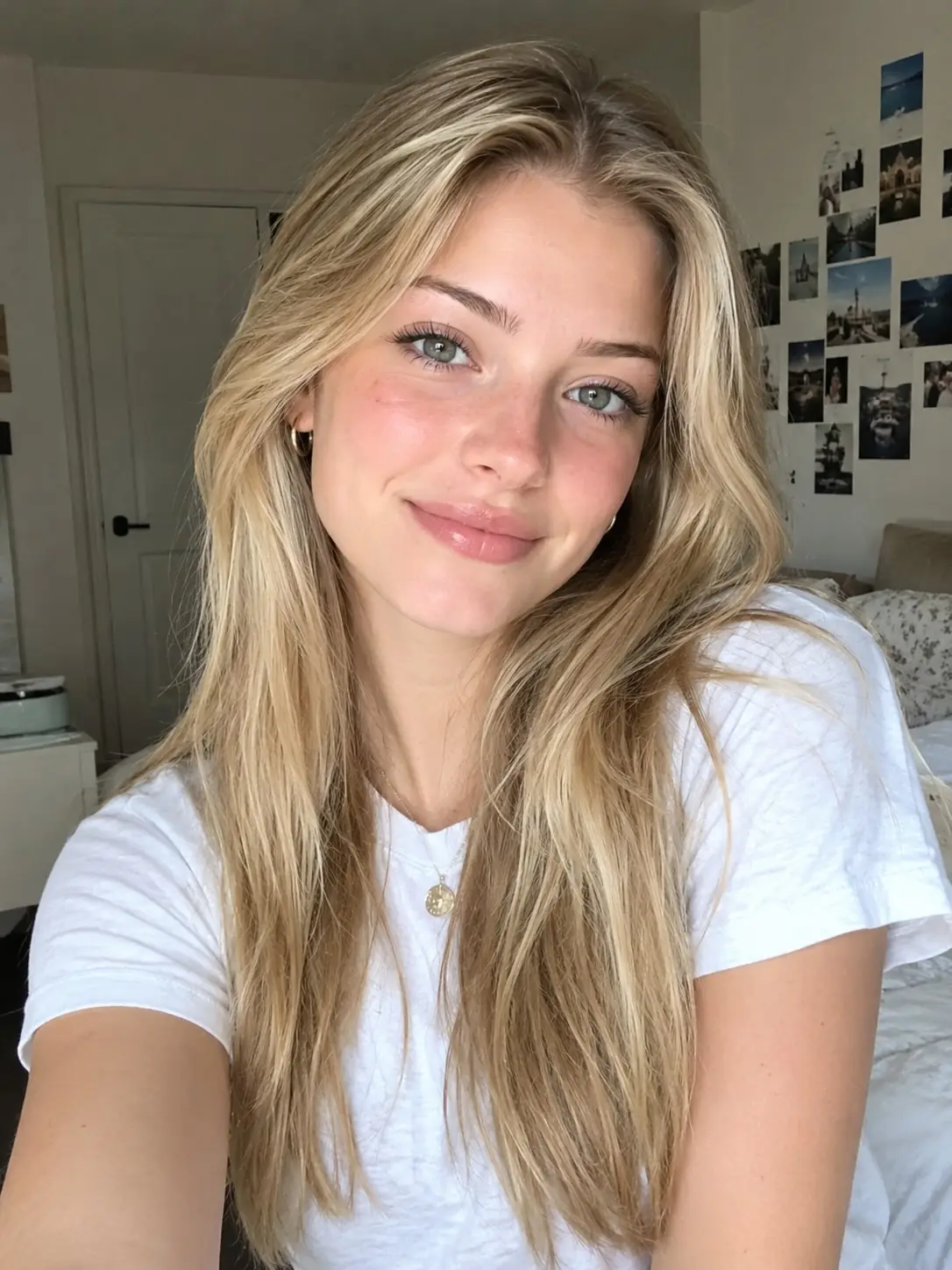
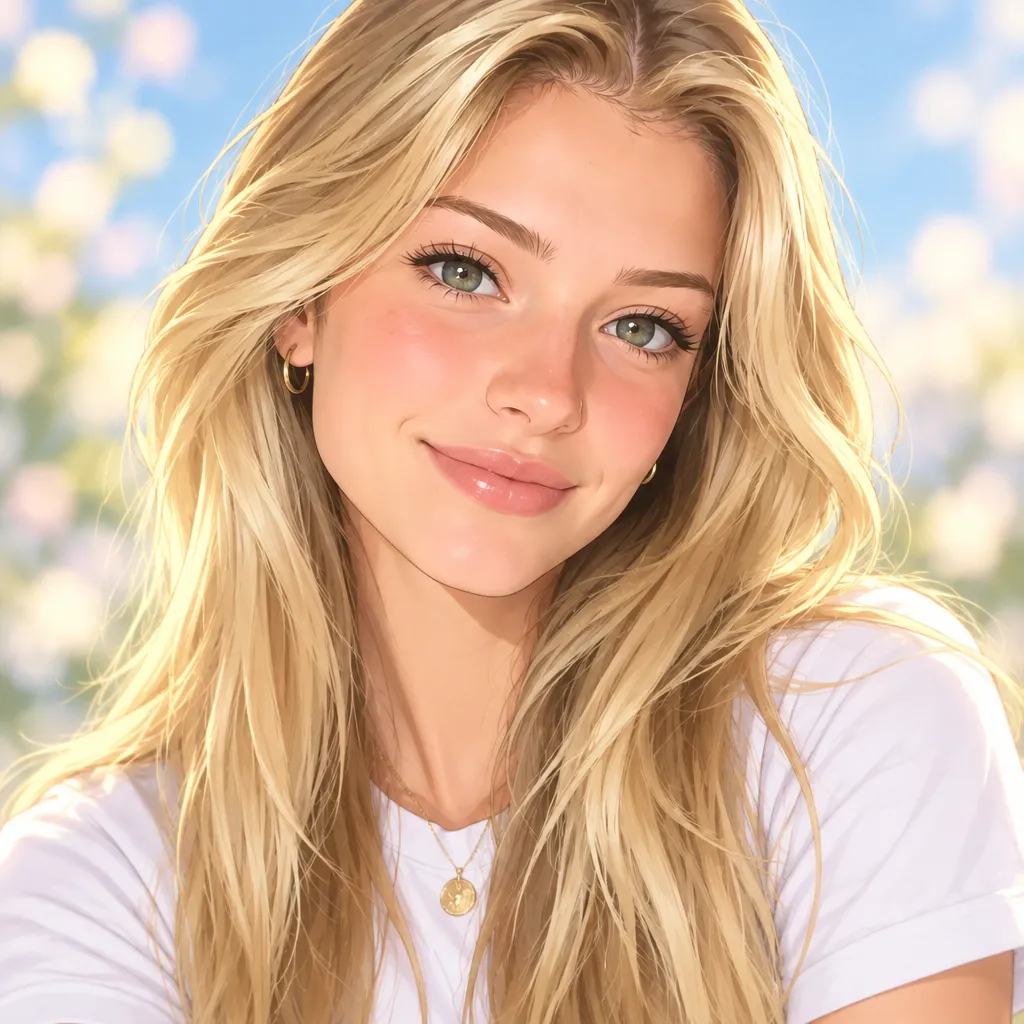
Examples
One selfie, six PFPs
Real output from our PFP maker — the same selfie re-rendered in all six styles, straight from the generator with no retouching.
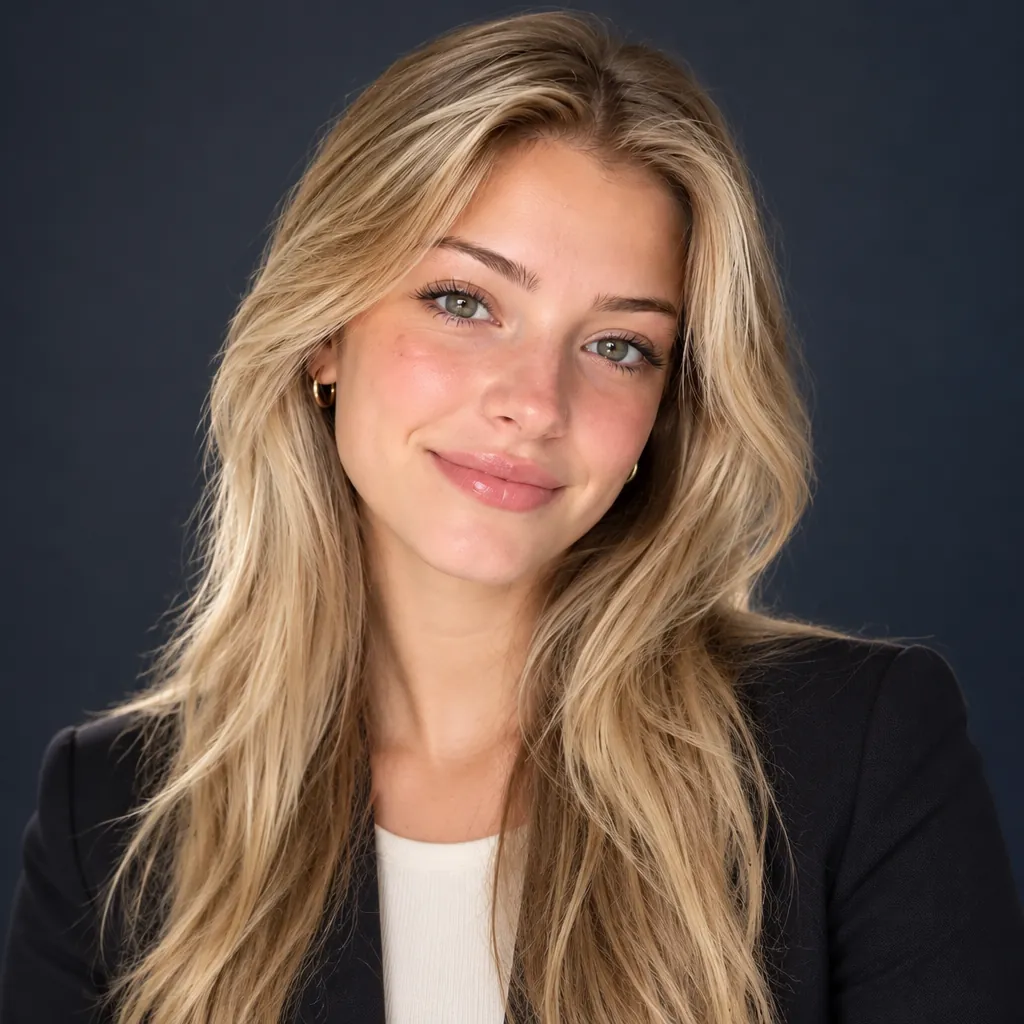 ProfessionalAnime
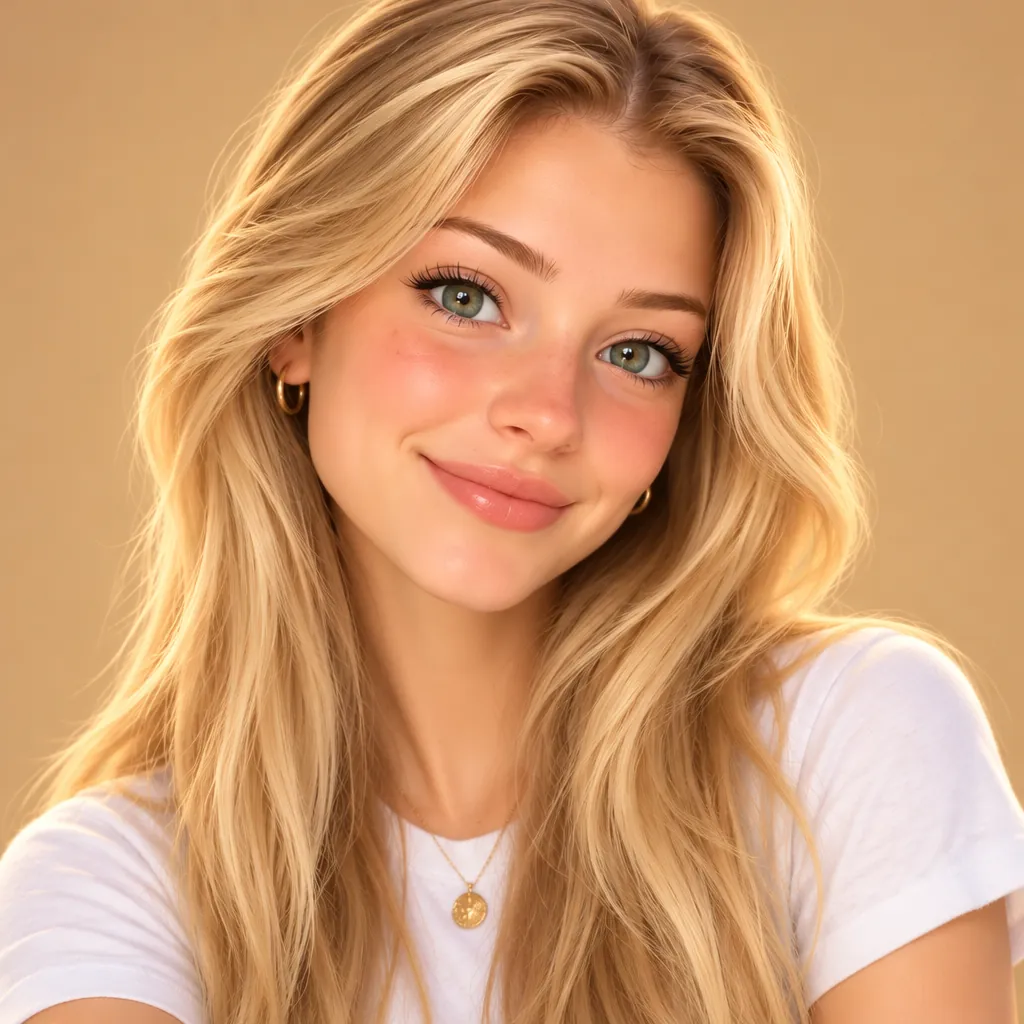 3D Cartoon
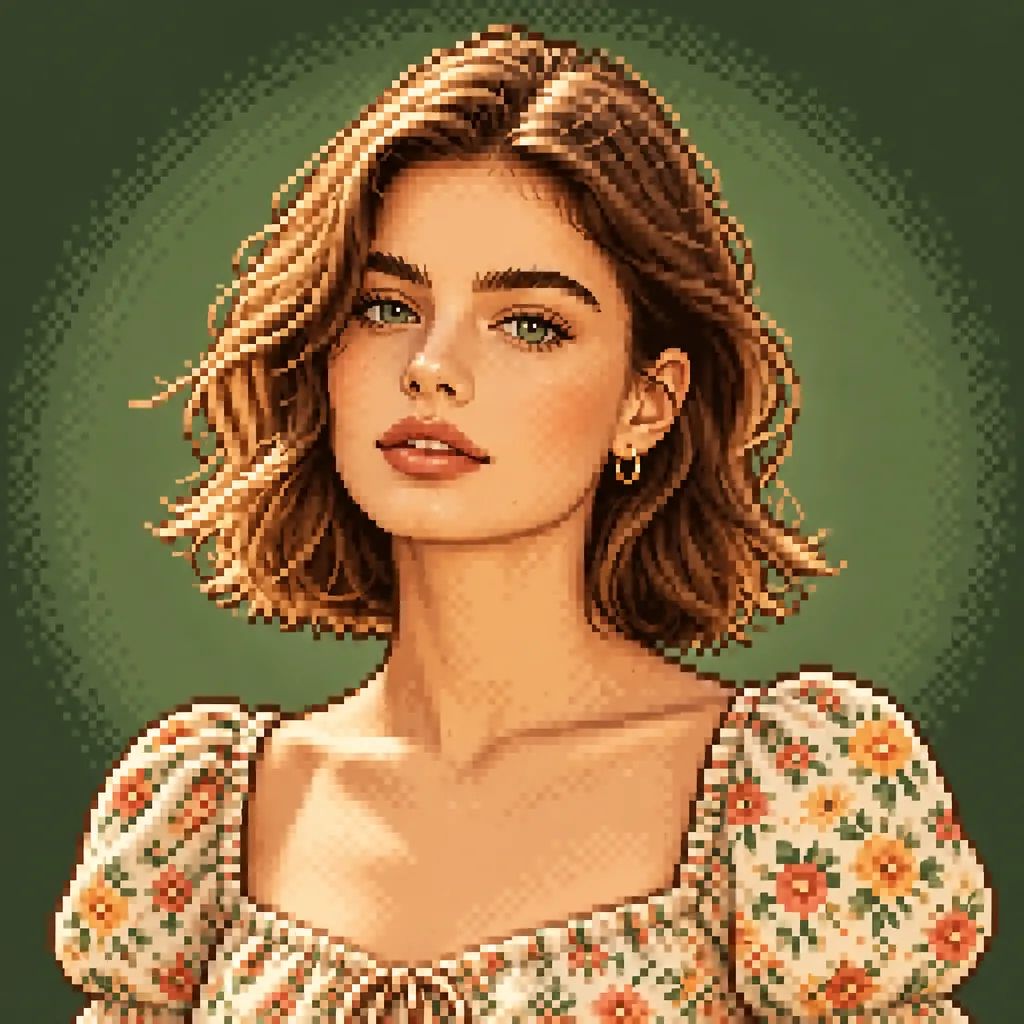 Pixel Art
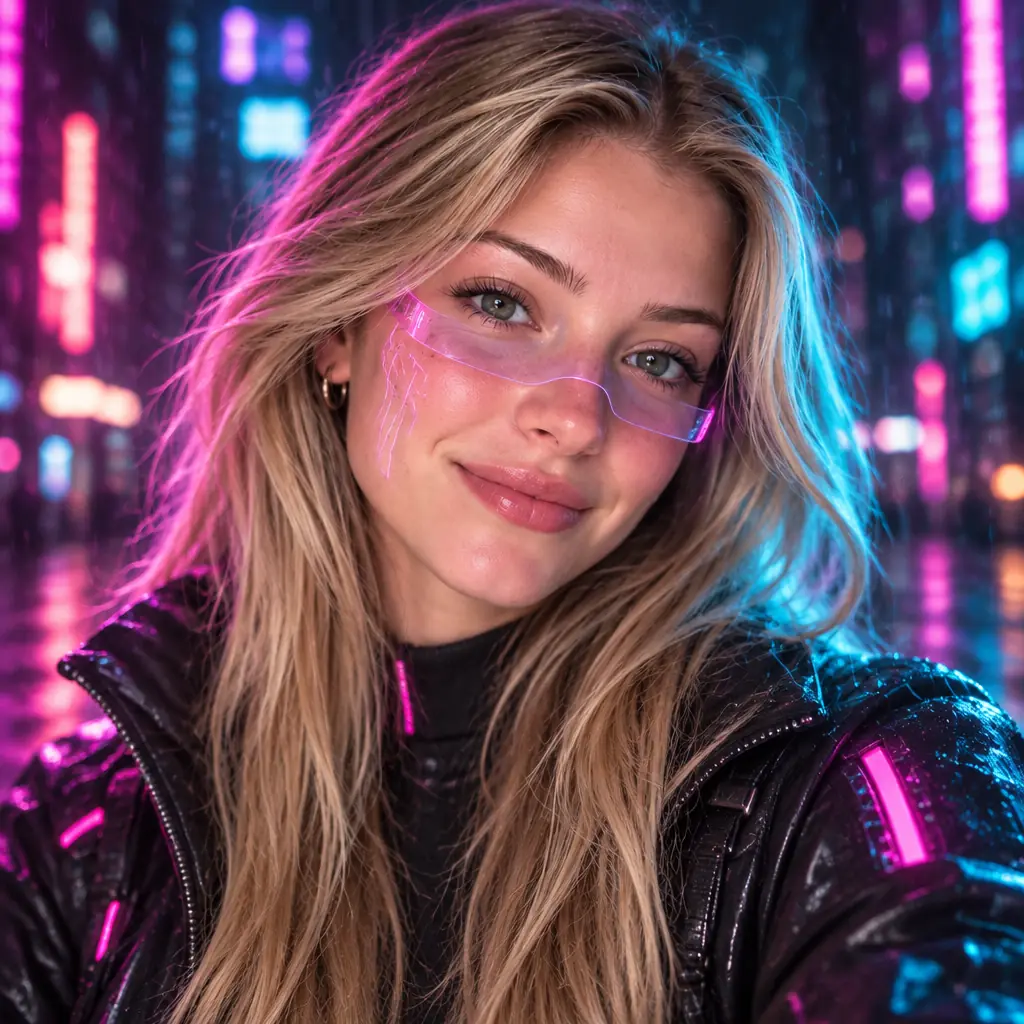 Cyberpunk
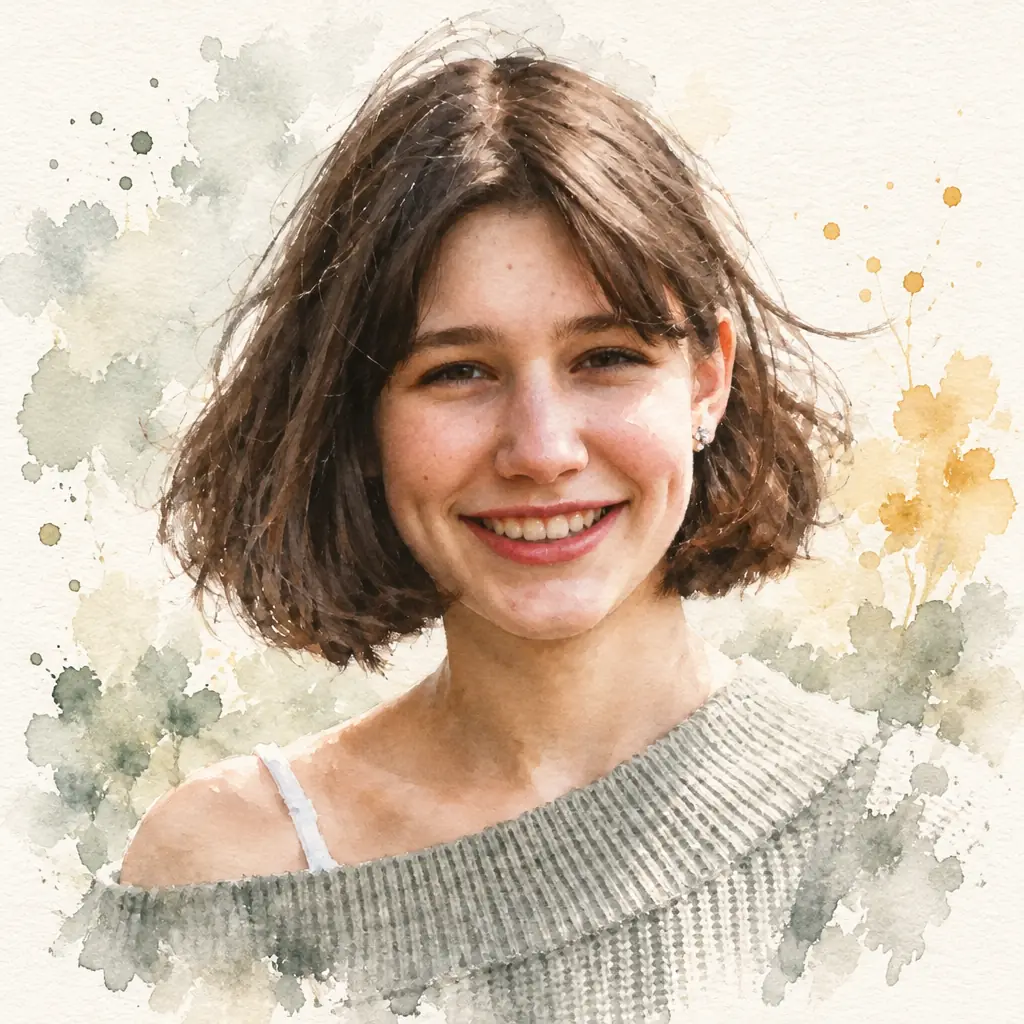 Watercolor
About
What is a PFP Maker?
A PFP maker is an AI tool that turns an ordinary photo of you into a polished profile picture — the small square avatar that represents you on Discord, TikTok, Instagram, GitHub, LinkedIn and gaming platforms. Instead of cropping a random group photo or paying for a studio shoot, you upload one selfie, choose a style, and get a clean square portrait that still looks like you.
Our AI PFP maker goes beyond simple filters. It re-renders your photo in the style you pick — a professional headshot, an anime portrait, a Pixar-style 3D character, retro pixel art, a neon cyberpunk look or a soft watercolor painting — while keeping your facial features, expression and identity recognizable in every version.
What the AI restyles (and what it keeps)
- Restylesart style, lighting, outfit, background, color palette and mood — wrapped around your face in the style you choose
- Keepsyour facial structure, skin tone, hairline, age, gender and expression — so every PFP still reads as you
Features
PFP Maker features
What makes Pretty Scale's AI profile picture generator the easiest way to upgrade your avatar everywhere.
Six Signature Styles
One selfie, six directions: a studio-grade professional headshot for LinkedIn, an anime portrait, a Pixar-style 3D character, 16-bit pixel art, neon cyberpunk and a soft watercolor painting. Switch styles and regenerate in seconds.
You Stay Recognizable
The AI treats your face as the source of truth. Facial structure, skin tone, hairline and expression carry over into every style — your Discord friends will know it's you, just leveled up.
Square 2K Output
Every PFP is generated as a 1:1 square at 2K resolution — sharp on retina screens and far above what any platform needs. No blurry crops when someone opens your profile.
Made for Every Platform
Discord, TikTok, Instagram, X, GitHub, LinkedIn, Steam, gaming clans — one square PFP works everywhere. Generate a professional one for work platforms and an anime one for everywhere else.
Privacy First
Your photos are processed securely and never stored on our servers. Download your PFP and it is yours — we do not train on your images or share them with third parties.
Simple Credits
Each PFP costs 5 credits and takes about half a minute. Purchase a credit package to unlock the PFP maker, then generate as many styles and retries as you like.
Styles
Six PFP styles, one selfie
Every style is a full re-render of your photo — not a sticker or a filter. Pick the one that matches the platform (or the mood).
Professional Headshot
Business attire, soft studio light, deep gray backdrop — a LinkedIn-ready headshot generated from a selfie. The go-to style for resumes, company pages and 'About' tabs.
Anime Portrait
Clean lineart, cel shading and expressive eyes that keep your real eye shape — a modern anime key-visual version of you, perfect for Discord and community profiles.
3D Cartoon Character
A friendly Pixar-style 3D render of your face: soft rounded features, cinematic lighting, gallery-quality polish. The most crowd-pleasing style in any PFP maker.
Pixel Art Avatar
Detailed 16-bit pixel art with a limited palette and a clean silhouette — a retro game character portrait that stays readable even at Discord's smallest avatar size.
Cyberpunk Neon
Magazine-edge streetwear, magenta and cyan rim light, a rainy neon city behind you — a cinematic sci-fi avatar for gamers, streamers and night-owl communities.
Watercolor Portrait
Translucent washes, visible paper grain and loose brushwork around the shoulders — a gentle, artistic PFP that stands out in a sea of filtered selfies.
Use cases
Where to use your AI profile picture
A great PFP travels. Here are the most popular places people put the profile pictures they generate here.
Discord Servers
Your Discord PFP is your identity across every server. Generate an anime or pixel-art version of yourself that stays recognizable in member lists and stands out in chat.
LinkedIn & Job Hunting
Recruiters do look at your photo. Turn a decent selfie into a professional AI headshot — business attire, studio lighting, clean background — without booking a photographer.
GitHub & Dev Profiles
Give your commits a face. A crisp pixel-art or professional PFP makes your open-source profile memorable across pull requests and contribution graphs.
TikTok & Instagram
Creator accounts live on personality. A cyberpunk or 3D-cartoon PFP sets the tone for your content before anyone plays a single video.
Gaming & Clans
Steam, Clash, Fortnite squads, esports rosters — a neon cyberpunk or stylized avatar is the uniform. Generate one that actually looks like the player behind it.
Fresh Starts
New year, new semester, new platform? Redo your whole online presence in one sitting: one professional PFP for work, one creative PFP for everything else.
Tips
Tips for the best PFP results
Five small things that make your AI profile pictures come out sharper and more like you.
- 01
Start with a clear selfie
Face the camera roughly straight on with your whole face in frame. The PFP maker reads your features from the photo — the clearer the read, the more the result looks like you.
- 02
Use soft, even lighting
Daylight near a window is ideal. Harsh overhead light casts shadows that the AI may interpret as facial structure and carry into your PFP.
- 03
One face per photo
Upload a solo photo. When several faces are present, the AI may pick the wrong subject — crop in on yourself before uploading if needed.
- 04
Match style to platform
Professional for LinkedIn and job applications, anime or pixel for Discord, cyberpunk for gaming. Generating two styles from the same selfie takes about a minute total.
- 05
Regenerate freely
Results vary slightly each run — a different pose, background or expression. If a PFP isn't quite right, run the same style again with the same photo and pick your favorite.
How it works
How it works
From selfie to profile picture in three steps
Upload a Selfie
Upload one clear, front-facing photo. Supports JPG, JPEG, PNG and WebP (max 10MB). No signup needed to look around.
Pick Your Style
Choose from six PFP styles — professional headshot, anime, 3D cartoon, pixel art, cyberpunk or watercolor. You can switch and retry anytime.
Generate & Download
Click generate and download your square 2K PFP in about half a minute. We don't save your images — the download is the only copy.
FAQ
Questions, answered
Common questions about our AI PFP maker and the profile pictures it generates.